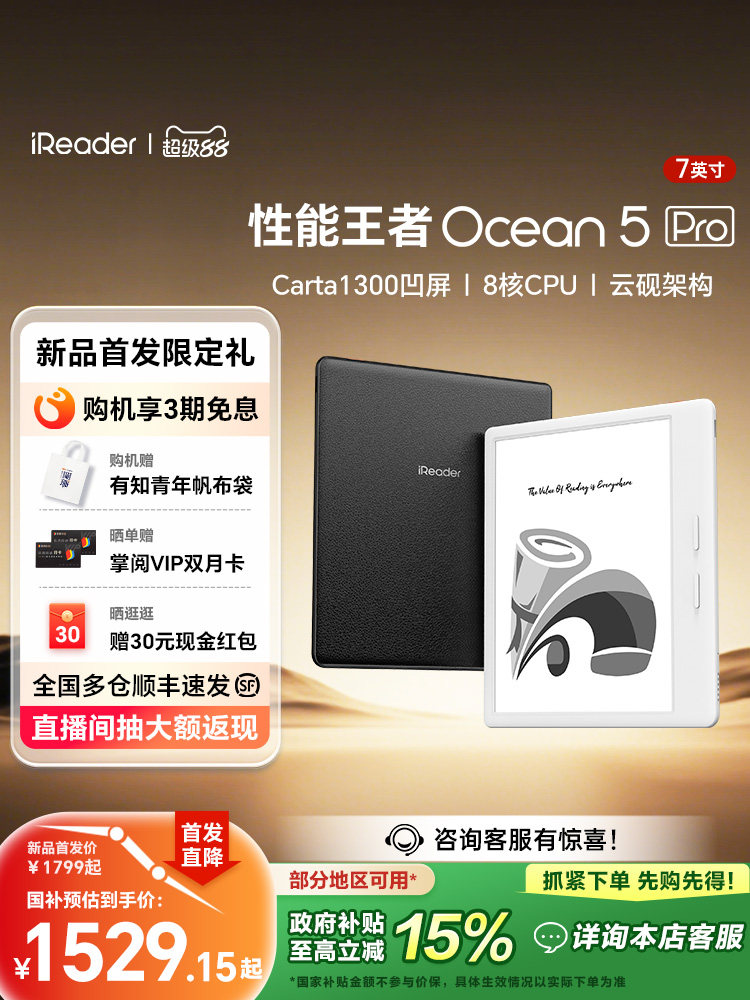
iReader Ocean 5 Pro 7-Inch E-Reader with Carta 1300 Retina Display
Experience the next evolution of digital reading with the iReader Ocean 5 Pro. Designed for bibliophiles, students, and comic enthusiasts, this device combines portability with professional-grade performance. It features the latest generation e-ink technology to deliver a paper-like viewing experience that is gentle on the eyes, making it perfect for marathon reading sessions. Whether you are reviewing complex PDFs, enjoying graphic novels, or catching up on the latest bestsellers, the Ocean 5 Pro ensures every word looks crisp and clear.
Key Benefits
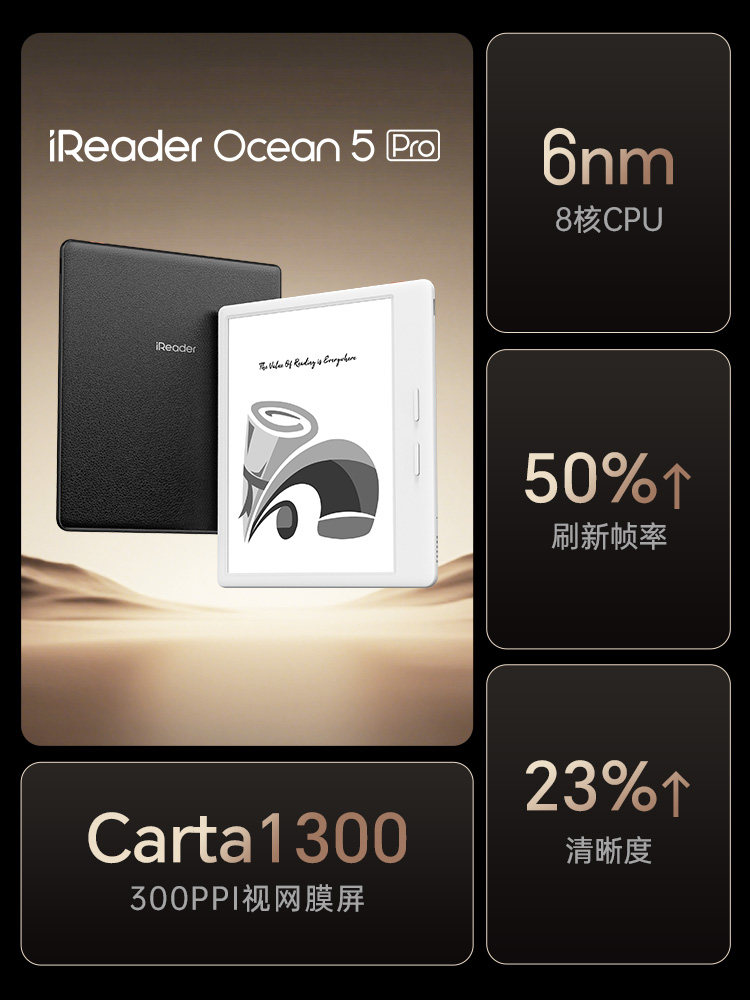
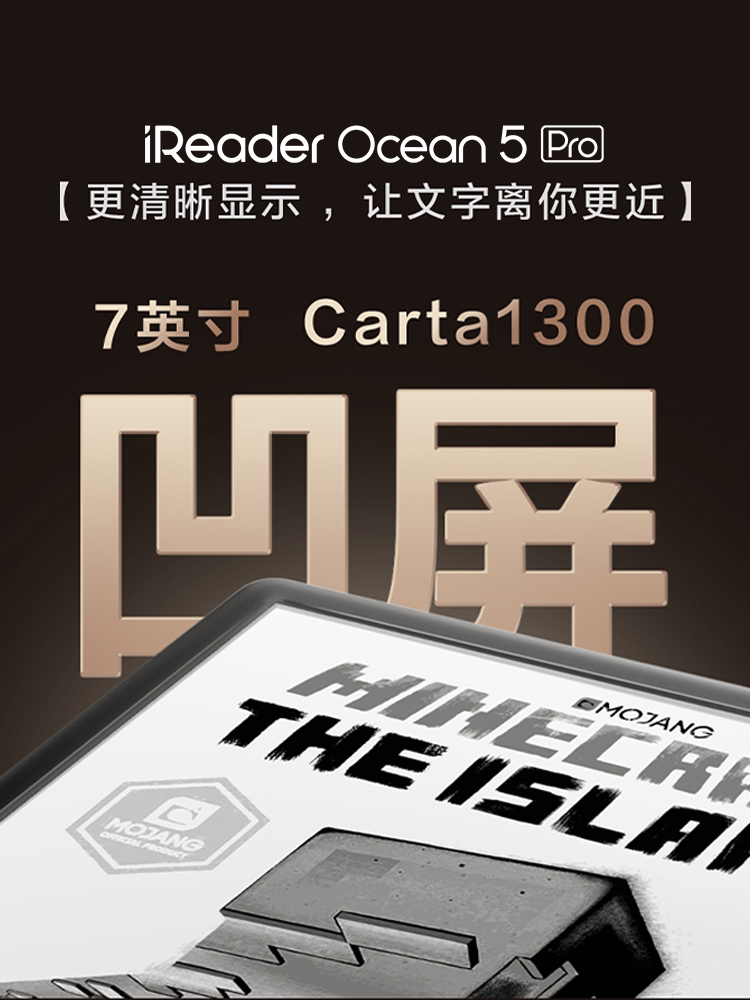
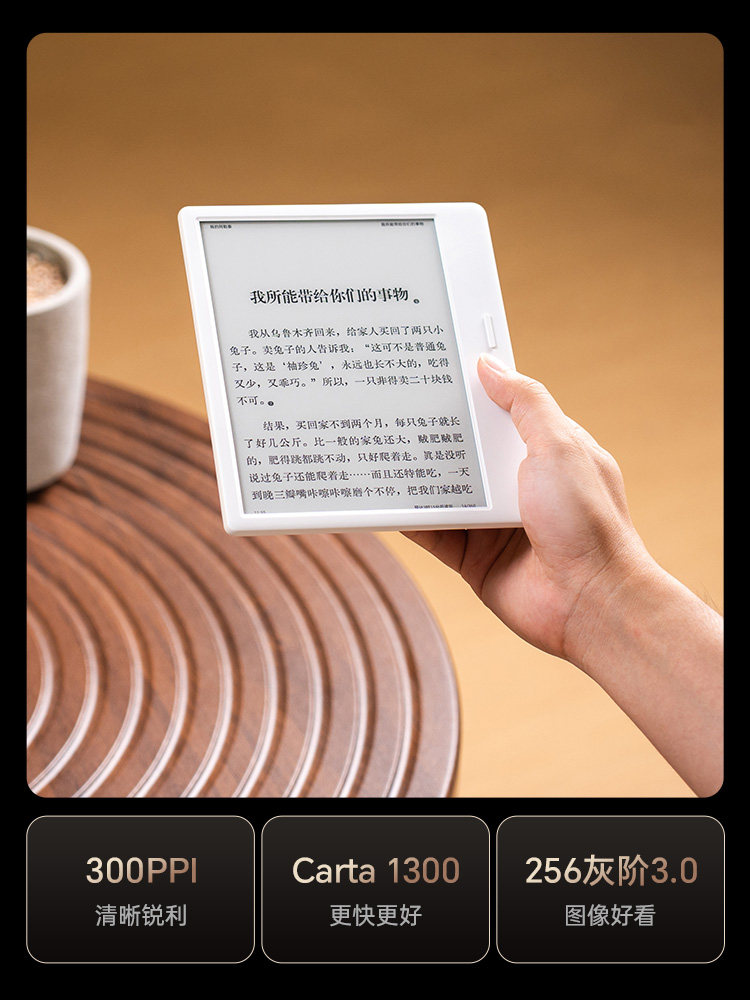
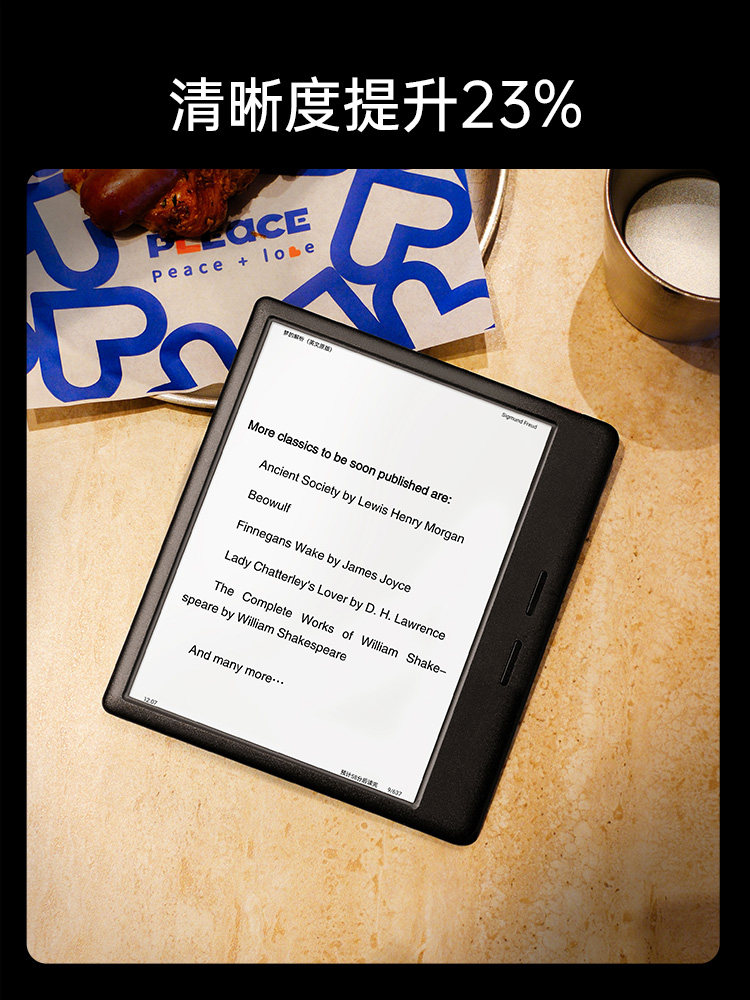
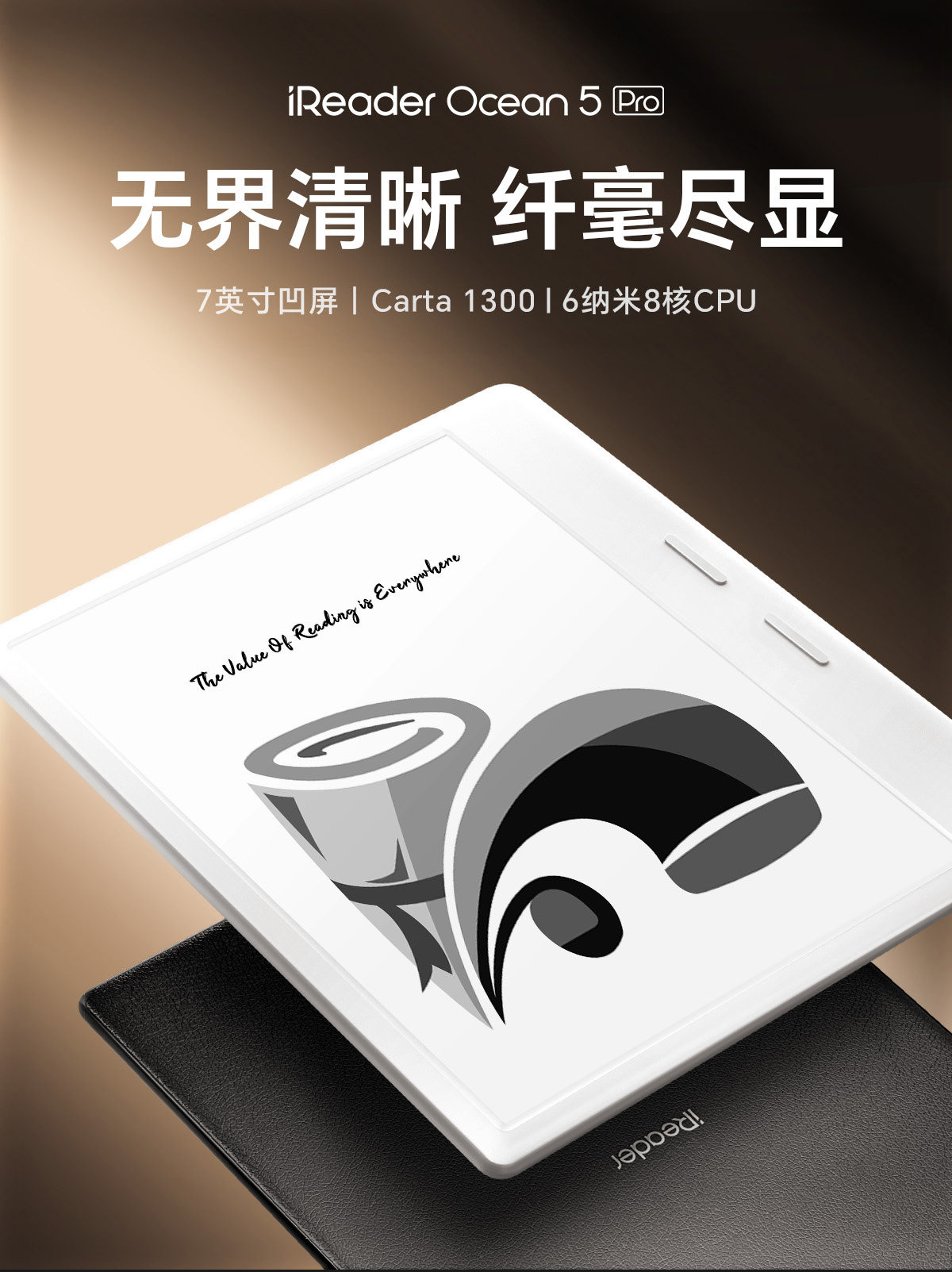
- Advanced Carta 1300 Display: The device utilizes the newest Carta 1300 panel technology paired with a 300 PPI Retina display. This combination delivers a 23% increase in overall clarity, ensuring that text is razor-sharp and images are rendered with high-definition precision.
- High-Speed Performance: Powered by a robust 8-core CPU, the Ocean 5 Pro offers rapid response times. Page turns are instant, and navigating through large libraries or heavy files is smooth and lag-free.
- Fluid Visual Experience: Enjoy a 50% increase in refresh frame rates compared to previous generations. This enhancement significantly reduces ghosting and provides a smoother experience when scrolling through menus or reading dynamic content like manga and comics.
- Optimized Cloud Ink Architecture: The proprietary display architecture fine-tunes the contrast and refresh modes, providing a natural reading environment that mimics the look of high-quality printed paper.
- Portable 7-Inch Form Factor: The ergonomic design fits comfortable in one hand, making it an excellent travel companion for reading on the go.
Key Specifications
- Screen Size: 7 Inches
- Panel Type: Carta 1300 E-Ink
- Resolution: 300 PPI (Retina Display)
- Processor: 8-Core CPU
- Primary Function: E-book Reader (Supports Novels, Comics, PDF)
How to Use
- Powering On: Press and hold the power button to initialize the device. Follow the on-screen prompts to set up your language and Wi-Fi connection.
- Loading Content: You can transfer e-books, PDFs, and documents via a USB connection to your computer or through wireless transfer features supported by the operating system.
- Reading: Tap the screen or use the side physical buttons (if applicable to your specific configuration) to turn pages. Tap the center of the screen to access the menu bar for adjusting font size, contrast settings, and screen brightness.
- Refresh Modes: Select different refresh modes based on your content; use normal mode for text and speed mode for browsing or comics.
Care & Safety
- Screen Protection: E-ink screens are delicate. Avoid placing heavy objects on the device and do not drop it. Using a protective cover is highly recommended during transport.
- Environment: Store the device in a cool, dry place. Avoid exposing the screen to direct sunlight for extended periods when not in use to prevent overheating or display degradation.
- Charging: Use the provided cable or a standard compatible USB charger. Avoid using high-voltage fast chargers that exceed the device's input rating.
Note: As described on the product display, this screen technology is designed for a "More clear display, let text be closer to you."