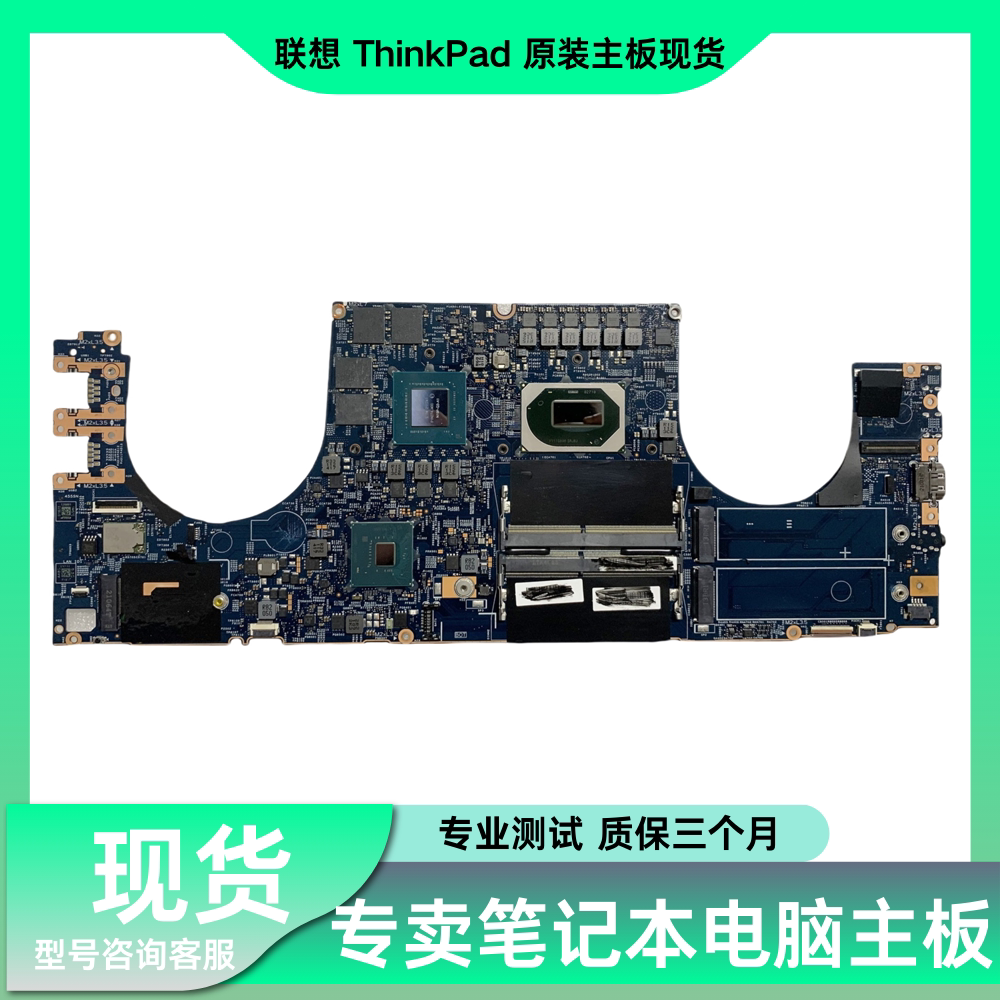
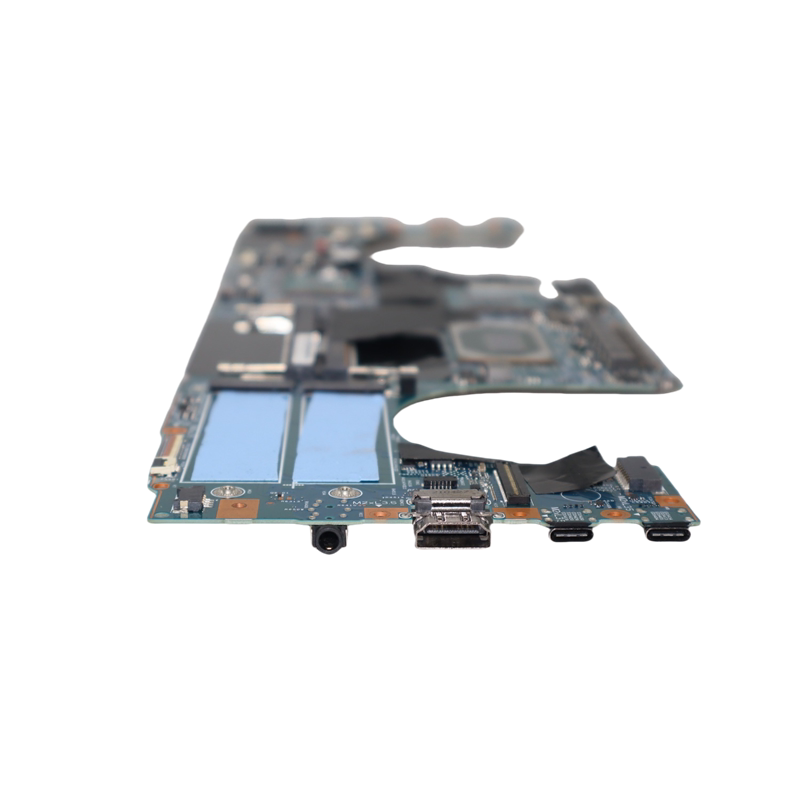
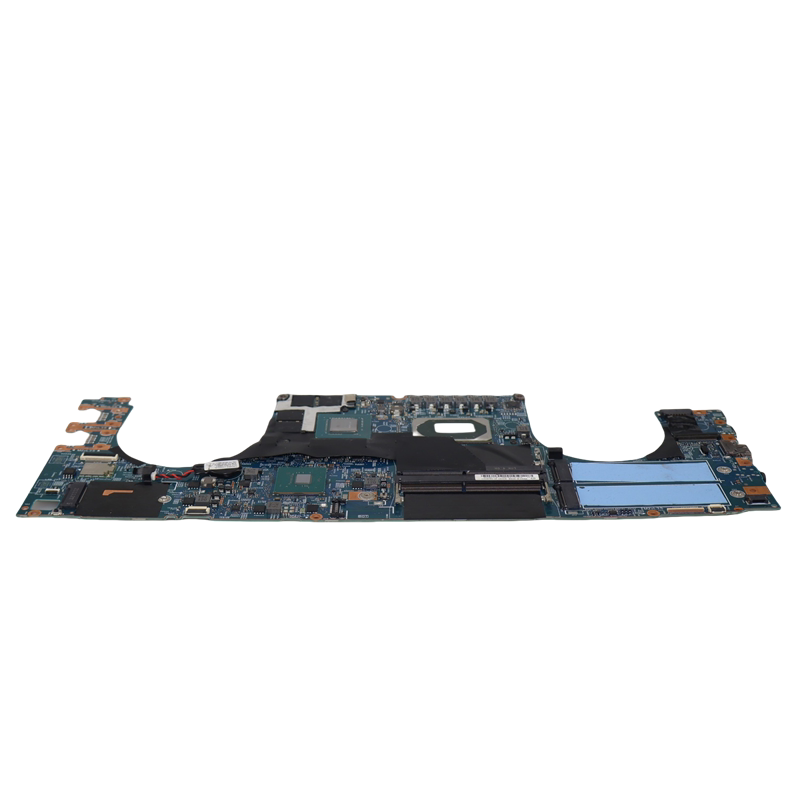
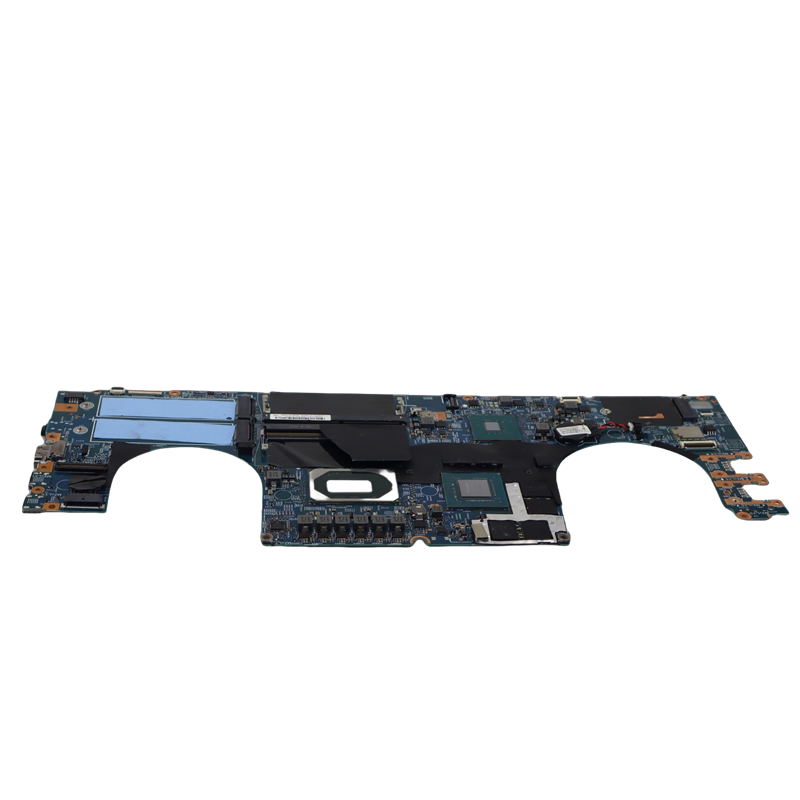
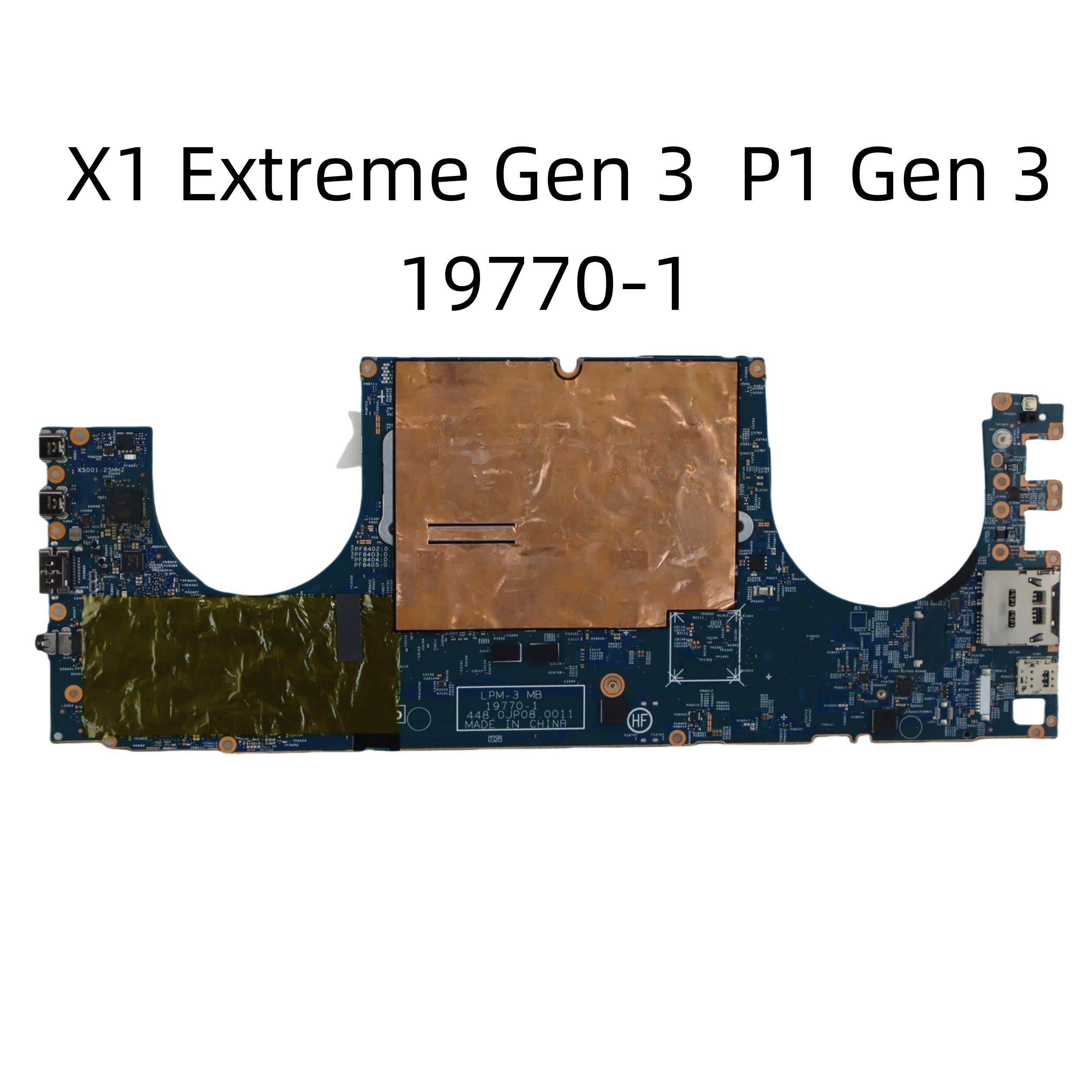
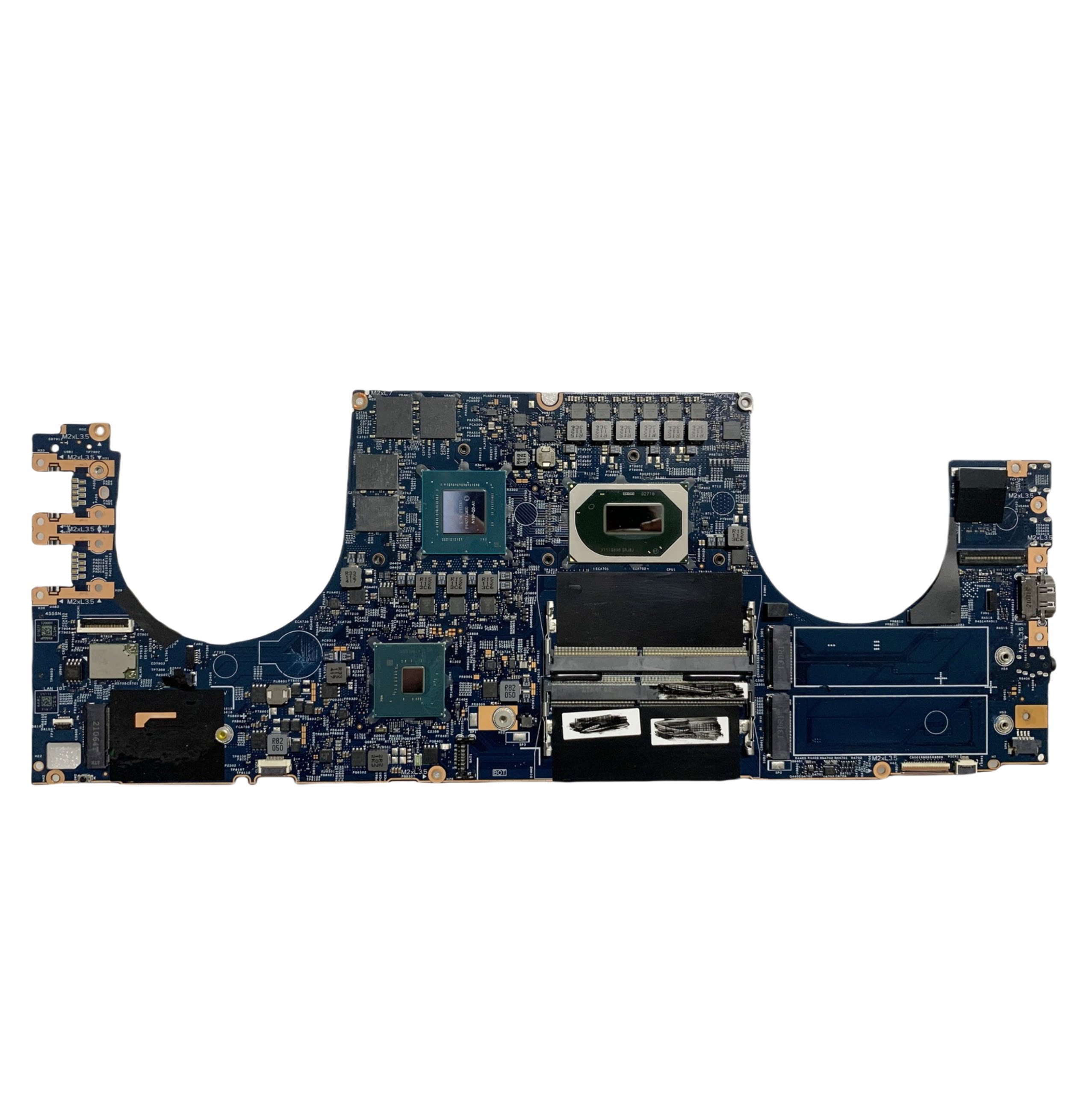
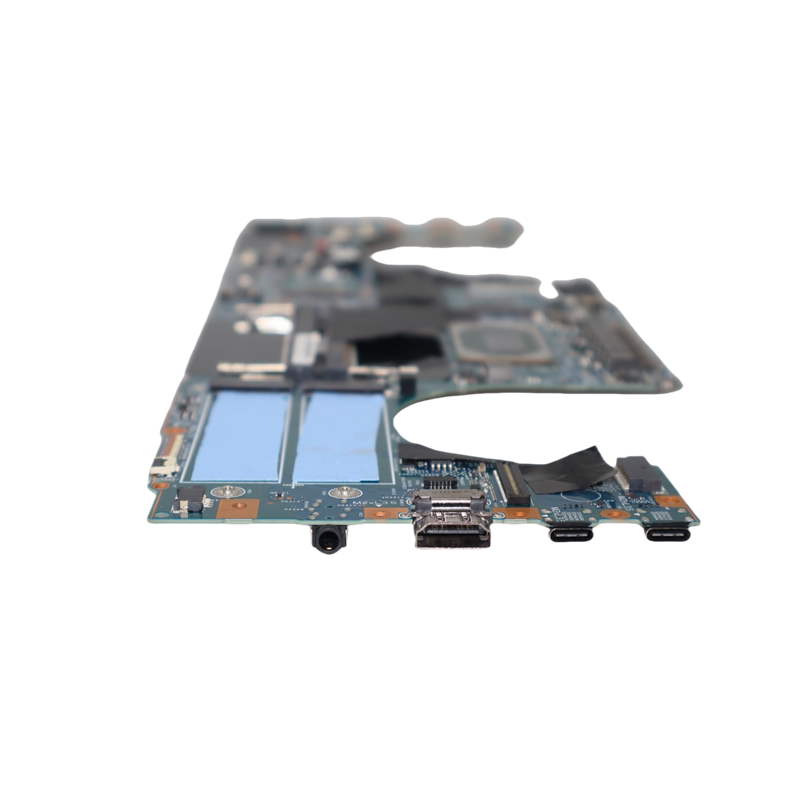
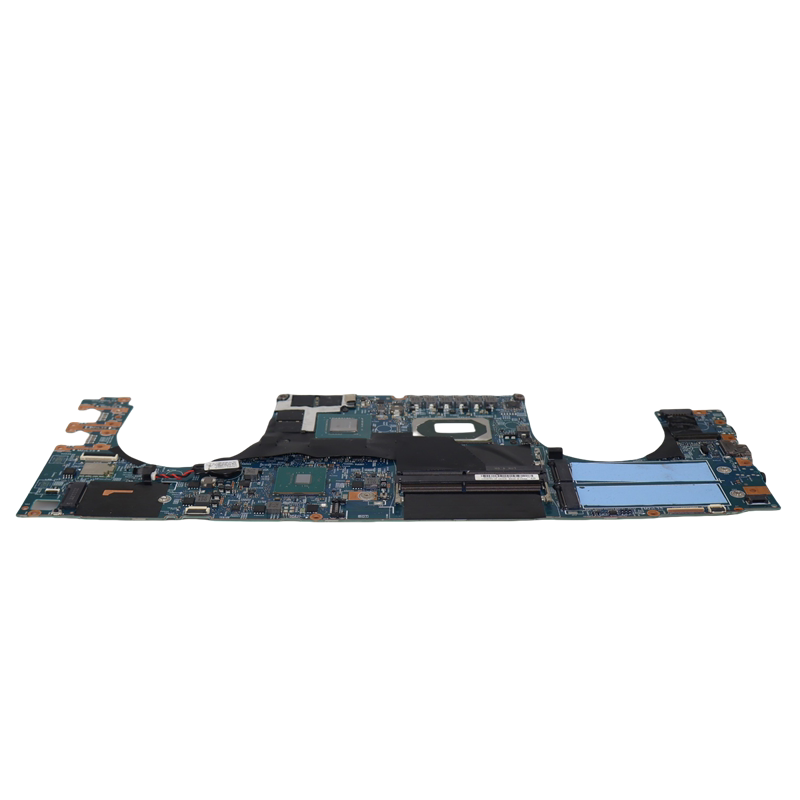
Genuine Lenovo ThinkPad X1 Extreme Gen 3 & P1 Gen 3 Replacement Motherboard (19770-1)
Restore your professional workstation to its peak performance with this genuine Lenovo ThinkPad replacement motherboard. Engineered specifically for the high-performance X1 Extreme Gen 3 and the P1 Gen 3 mobile workstation, this system board is the definitive solution for hardware failures, power issues, or damaged integrated components. As a critical component of Lenovo’s flagship professional line, this motherboard provides the stability and speed required for intensive tasks such as 3D rendering, software development, and high-end content creation.
Key Benefits
- Precision Compatibility: Specifically designed for the 19770-1 circuit architecture, ensuring a perfect fit and seamless integration with your existing chassis and internal hardware.
- Rigorous Quality Assurance: Every motherboard undergoes a comprehensive professional testing process to verify that all ports, slots, and circuits function at factory standards.
- OEM Reliability: Utilizing original Lenovo ThinkPad components ensures long-term durability and system stability that third-party alternatives cannot match.
- Workstation-Grade Performance: Supports the high-bandwidth requirements of the X1 Extreme and P1 series, maintaining the professional-grade output you expect from your device.
- Comprehensive Restoration: This board serves as an all-in-one fix for critical system failures, including dead BIOS, faulty power delivery, or damaged onboard connectors.
Key Specs
- Model Identification: 19770-1
- Compatible Series: Lenovo ThinkPad X1 Extreme Gen 3, Lenovo ThinkPad P1 Gen 3
- Component Type: Laptop System Mainboard
- Memory Configuration: Dual-channel DDR4 RAM slots (supports high-capacity workstation memory)
- Testing Status: Fully verified and professionally tested for functionality
How to Use
- Preparation: Before beginning the replacement, ensure the laptop is completely powered down and the internal battery is disconnected to prevent short-circuiting.
- Required Tools: You will need a precision electronics screwdriver set, plastic pry tools for chassis removal, and high-quality thermal paste.
- Transferring Components: Carefully move your existing RAM modules, SSDs, and the cooling assembly (fans and heat pipes) to the new motherboard.
- Thermal Application: You must clean all old thermal residue from the heatsink and apply a fresh, pea-sized amount of thermal compound to the CPU and GPU dies before reinstallation.
- Final Assembly: Secure all ribbon cables (display, keyboard, and daughterboards) firmly into their connectors before closing the case.
Care & Safety
- ESD Protection: This is a highly sensitive electronic component. Handle the motherboard only by the edges and use an anti-static wrist strap and mat during installation to prevent Electrostatic Discharge (ESD) damage.
- Thermal Management: Never operate the motherboard without the cooling assembly properly installed, as this can lead to immediate permanent damage from overheating.
- Professional Installation: Due to the technical complexity of workstation-class laptops, professional technician installation is strongly recommended for those unfamiliar with internal hardware replacement.
Notes
This unit has undergone "Professional testing" to ensure it meets the rigorous demands of the ThinkPad ecosystem.