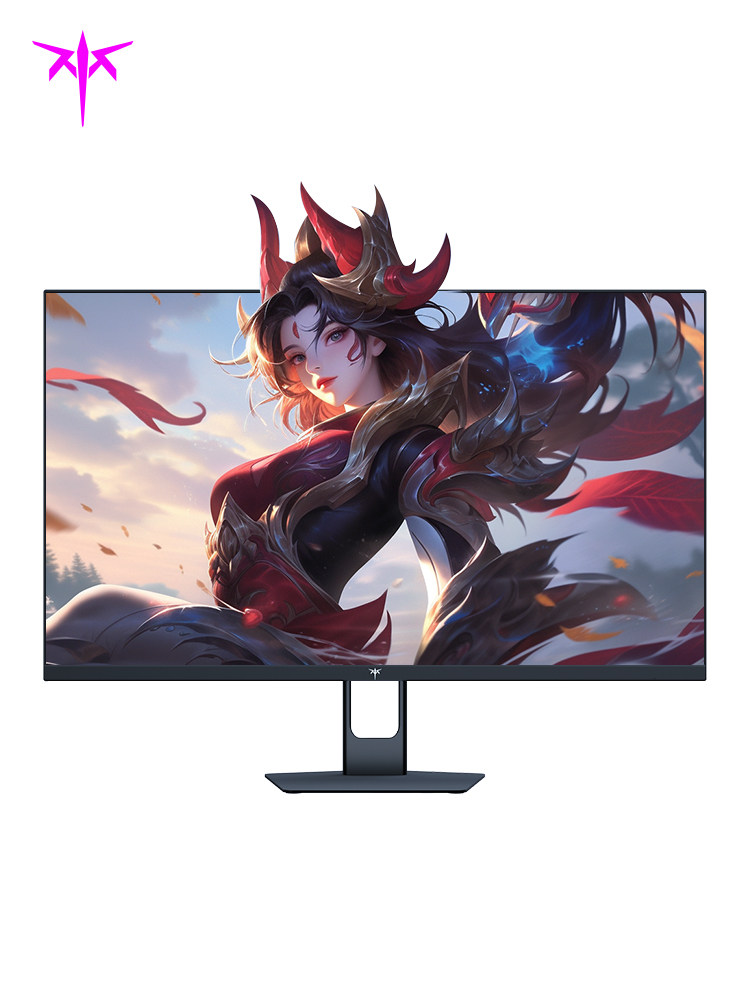
KTC 27" 2K QHD Fast IPS Gaming Monitor - 180Hz High Refresh Rate & 1ms GTG Response
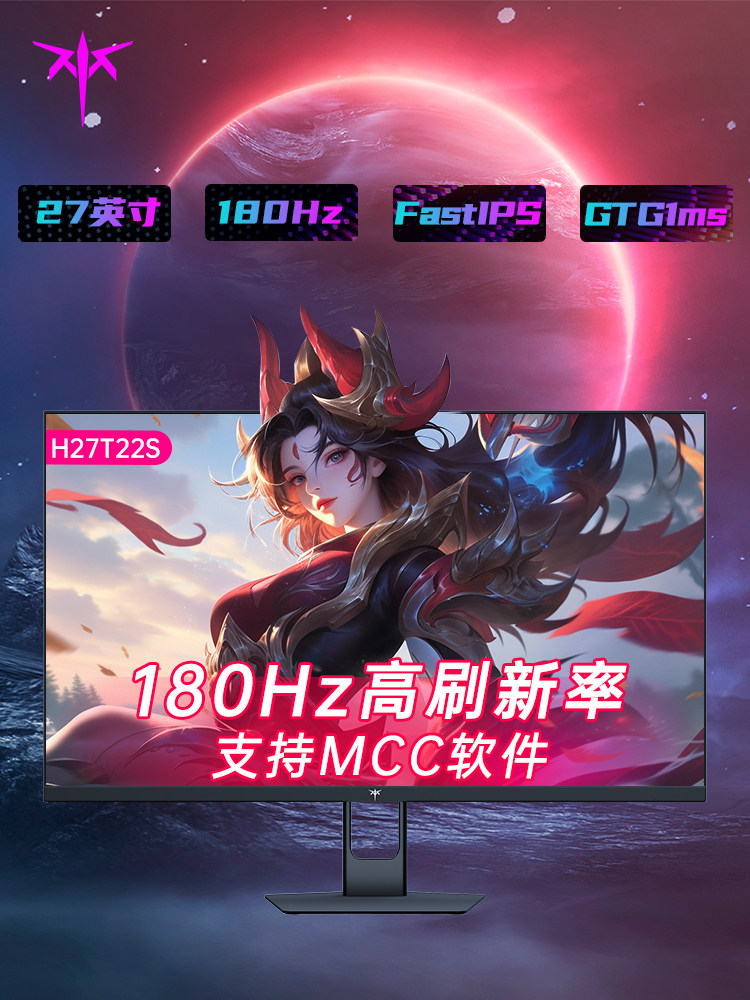
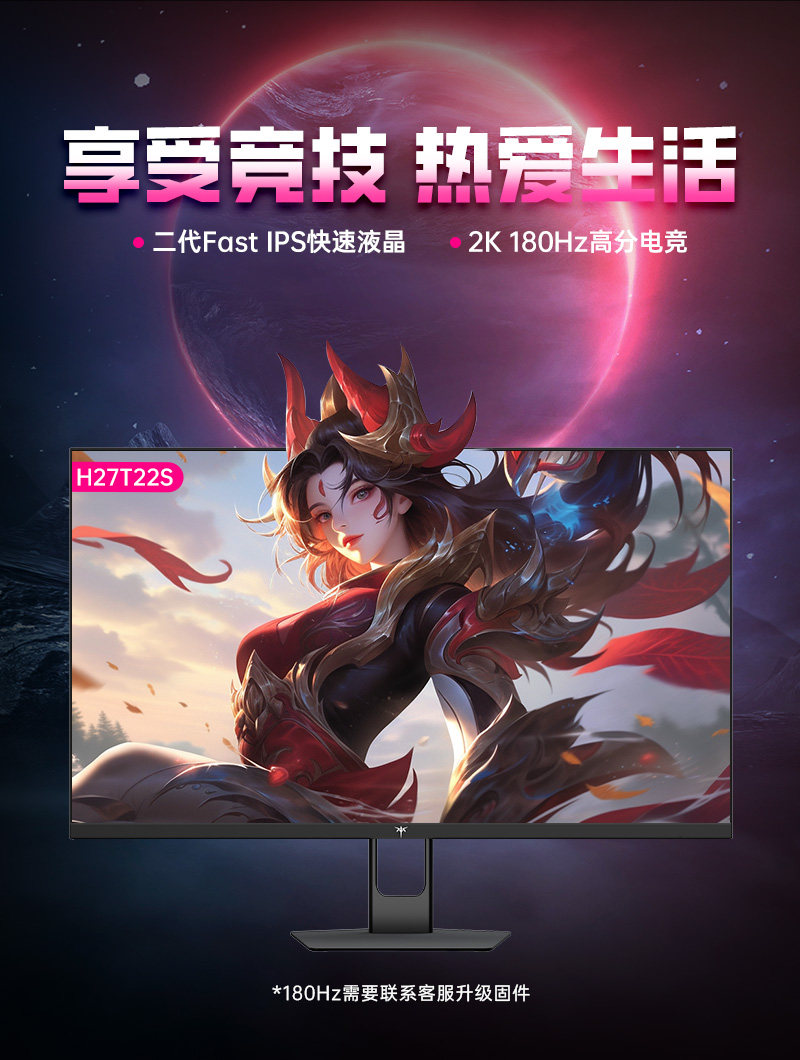
Elevate your competitive edge with the KTC H27T22S, a powerhouse display meticulously engineered for gamers who demand elite speed without sacrificing visual fidelity. Featuring a stunning 27-inch 2K panel, this monitor blends razor-sharp resolution with professional-grade motion handling to provide an immersive, lag-free environment for both fast-paced esports and cinematic AAA titles.
Key Benefits
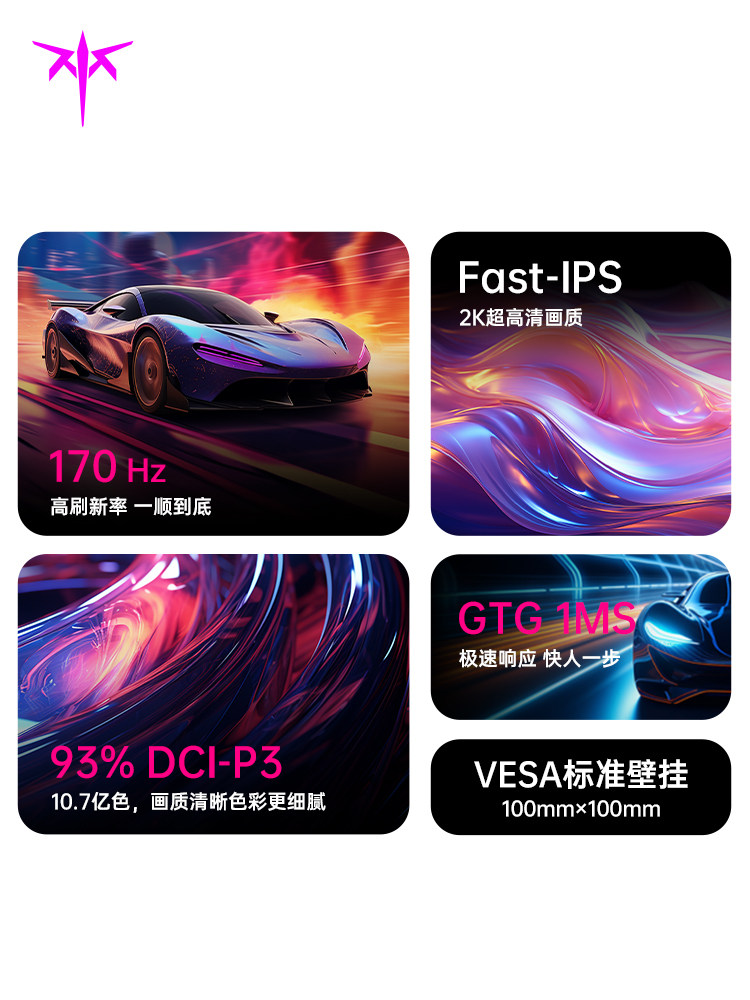
- Second-Generation Fast IPS Technology: Experience the best of both worlds with a panel that offers the vibrant color accuracy and wide viewing angles of IPS, combined with the extreme speed typically reserved for TN panels.
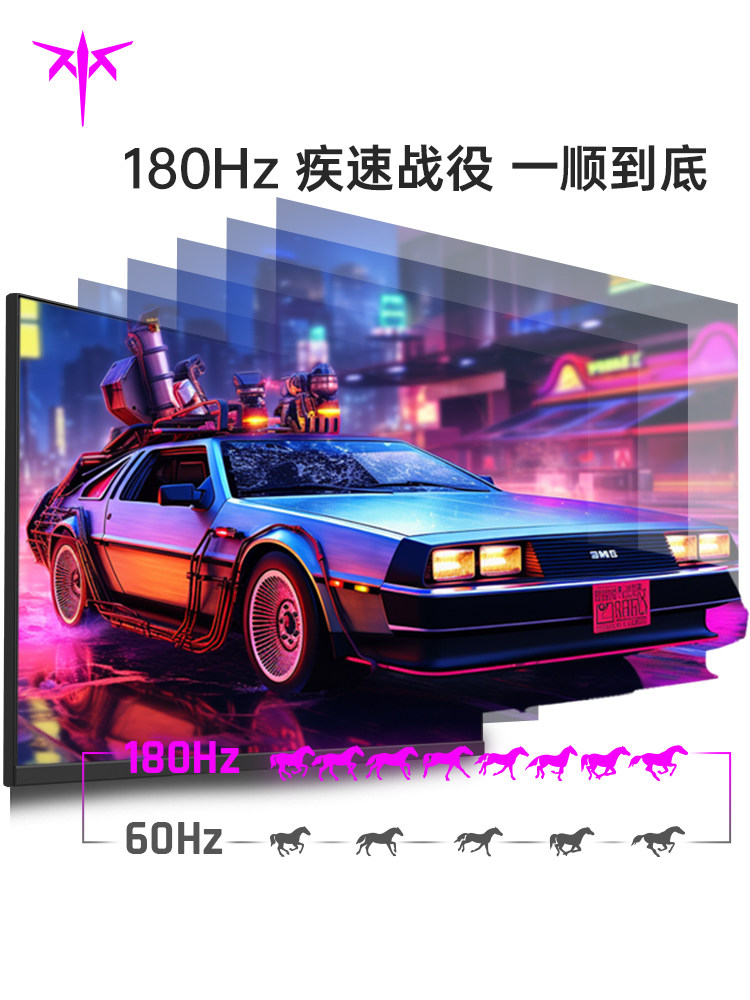
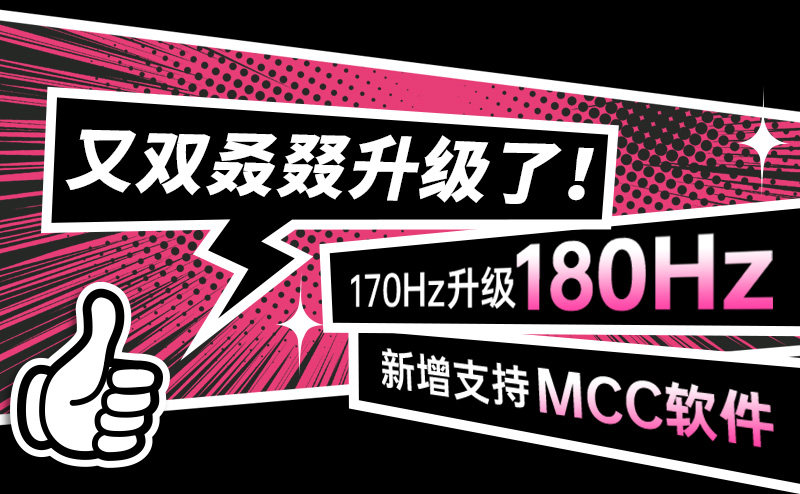
- Ultra-Smooth 180Hz Refresh Rate: Stay ahead of the competition with a high refresh rate that renders up to 180 frames per second. This eliminates stuttering and provides a fluid visual flow that is essential for tracking fast-moving targets.
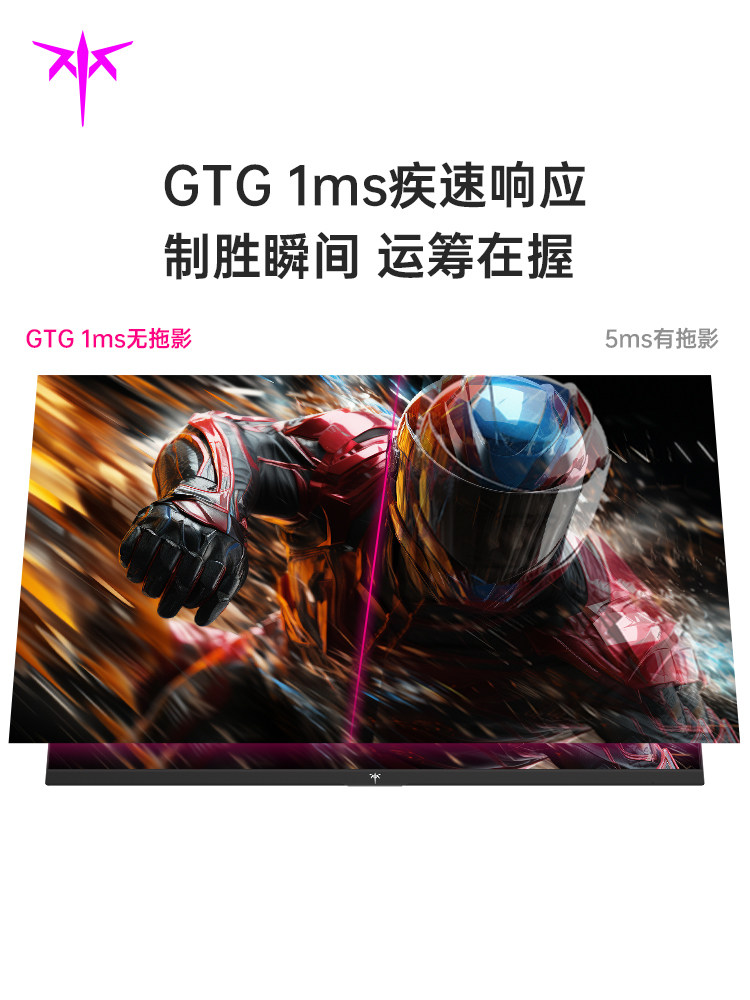
- Lightning-Fast 1ms GTG Response: Achieve near-instantaneous pixel transitions. The 1ms Gray-to-Gray response time virtually eliminates ghosting and motion blur, ensuring every frame is crisp and clear.
- Cinematic Color Depth: Boasting 1.07 billion colors and a 93% DCI-P3 wide color gamut, this monitor delivers rich, lifelike visuals with smooth gradients and professional-level color reproduction.
- Advanced MCC Software Support: Customize your viewing experience with ease. The support for MCC software allows you to adjust display parameters and gaming modes directly through your operating system.
Key Specs
- Screen Size: 27 inches
- Panel Type: 2nd Gen Fast IPS (Flat)
- Resolution: 2K QHD (2560 x 1440)
- Refresh Rate: 180Hz (Firmware update may be required for maximum output)
- Response Time: 1ms GTG
- Color Depth: 10-bit (1.07 Billion Colors)
- Color Gamut: 93% DCI-P3
- Mounting Interface: VESA Standard 100mm x 100mm
How to Use
- Installation: Secure the monitor to the included stand or a VESA-compatible arm using the 100mm x 100mm mounting points.
- Connectivity: For the best performance, connect the monitor to your GPU via a high-speed DisplayPort cable to support the 2K resolution at 180Hz.
- Firmware Optimization: To reach the full 180Hz potential, ensure your device is running the latest firmware.
- Calibration: Use the on-screen display (OSD) or the MCC software to toggle gaming features and calibrate color settings to your preference.
Care & Safety
- Cleaning: Use a dry, lint-free microfiber cloth to gently wipe the screen. Do not spray liquids directly onto the panel.
- Ventilation: Maintain at least a few inches of clearance around the back of the monitor to ensure proper airflow and prevent overheating during extended use.
- Handling: Always support the panel from the edges; avoid applying direct pressure to the center of the screen.
Notes
"GTG 1ms without ghosting" ensures that your visual experience remains sharp even during the most intense, high-speed combat sequences.