Vgate vLinker BM+ OBD2 Bluetooth Diagnostic Scanner for BMW, Android, and iOS
Unlock the full potential of your vehicle with the Vgate vLinker BM+. Engineered specifically for deep integration with BMW models and a wide range of OBD2-compliant vehicles, this compact professional-grade adapter transforms your smartphone or tablet into a sophisticated diagnostic tool. Whether you are looking to customize hidden features or monitor real-time engine health, the vLinker BM+ provides the stable, high-speed connection required for advanced automotive tasks and DIY maintenance.
Key Benefits
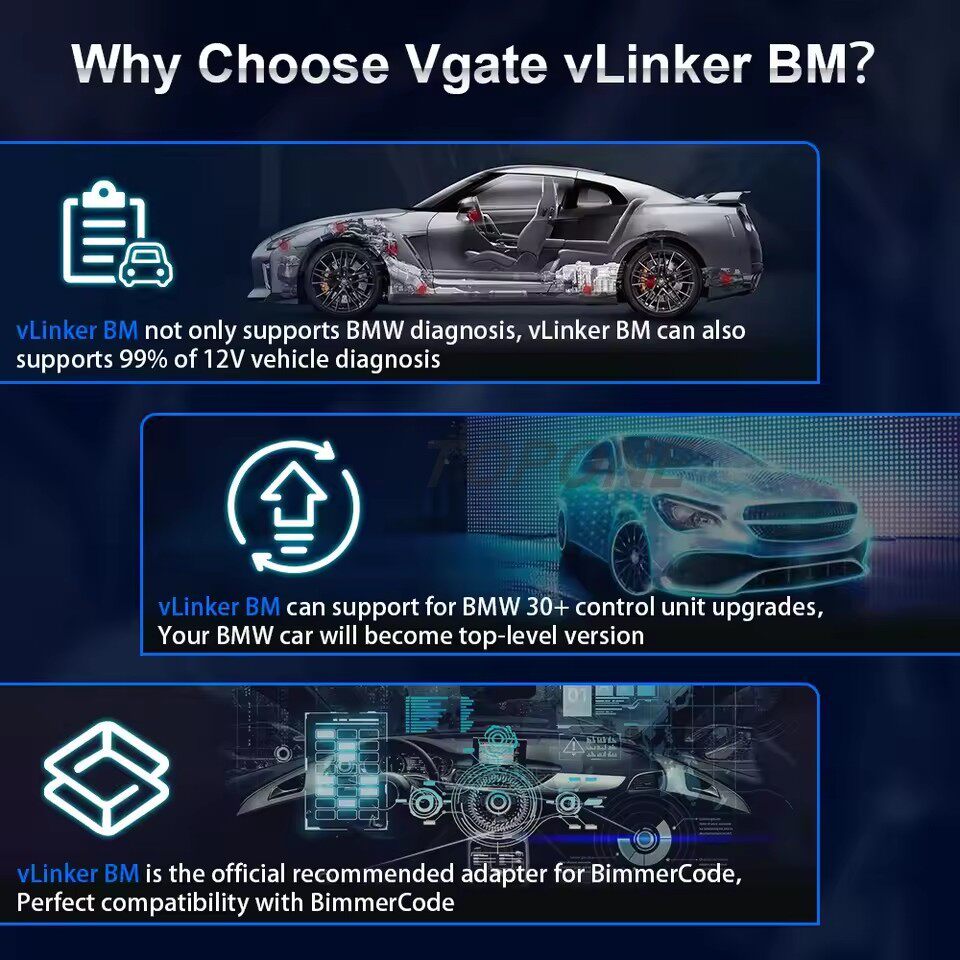
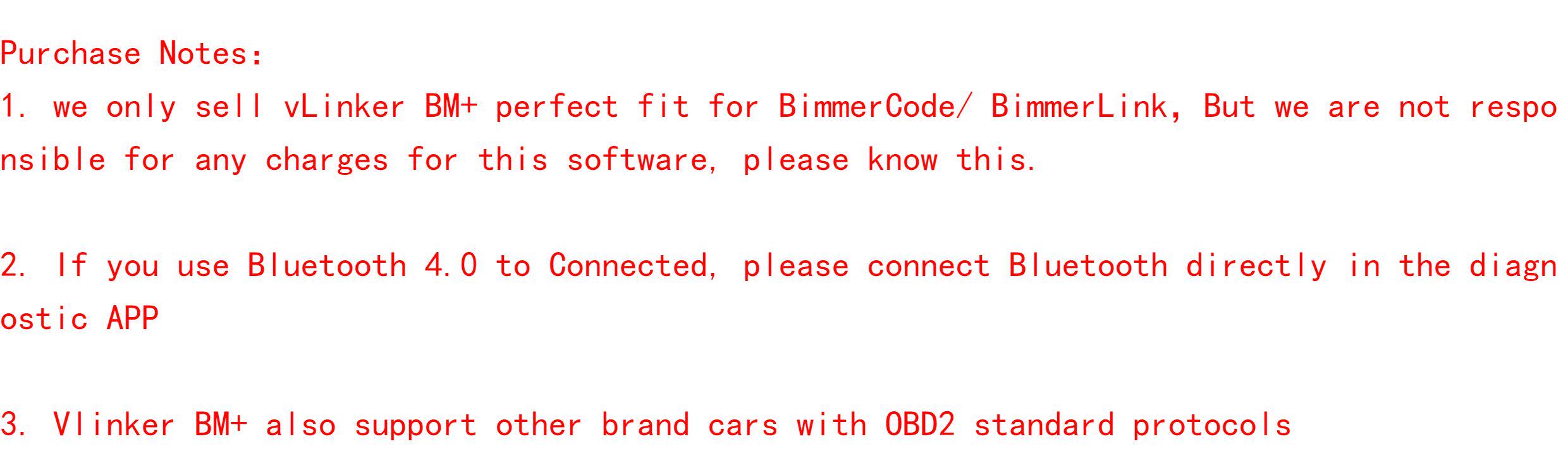
- Optimized for BimmerCode & BimmerLink: Specifically designed to handle the high-speed data transfers needed for coding hidden features and performing deep diagnostics on BMW vehicles.
- Universal Platform Support: Features Bluetooth Low Energy (BLE) technology, ensuring seamless connectivity for both iOS and Android devices without the need for complex manual pairing procedures.
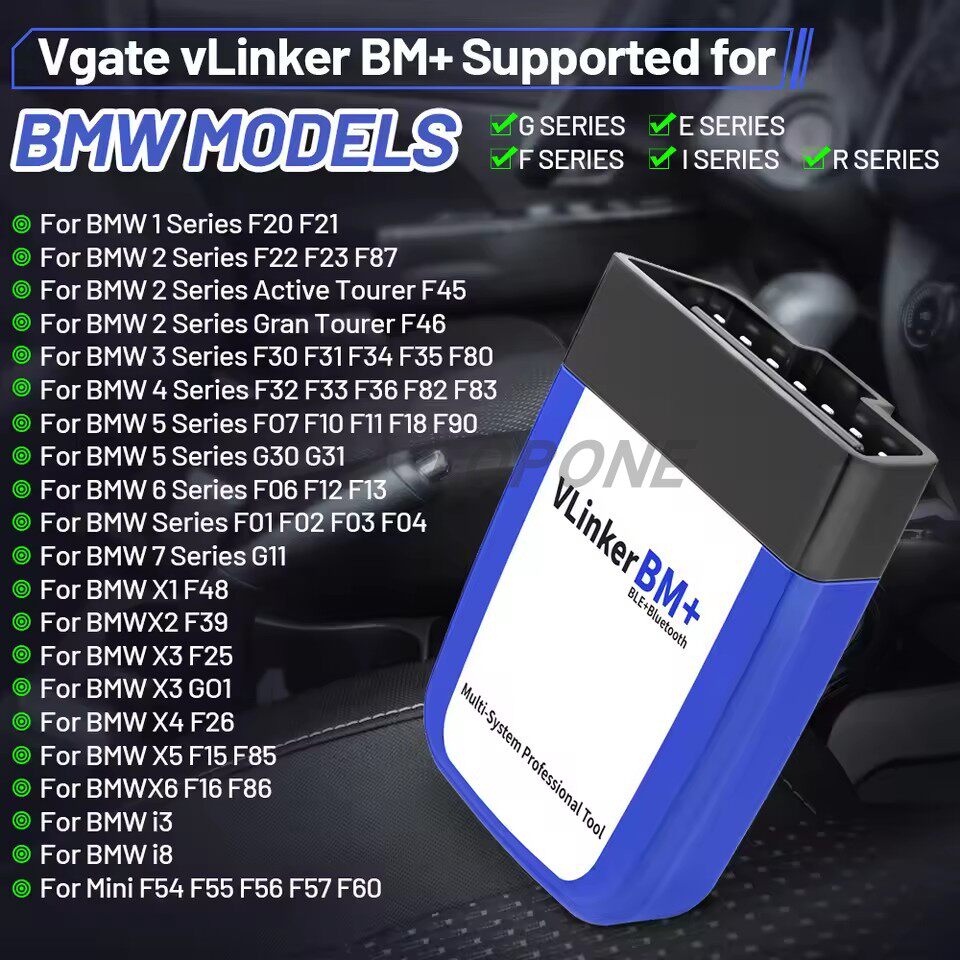
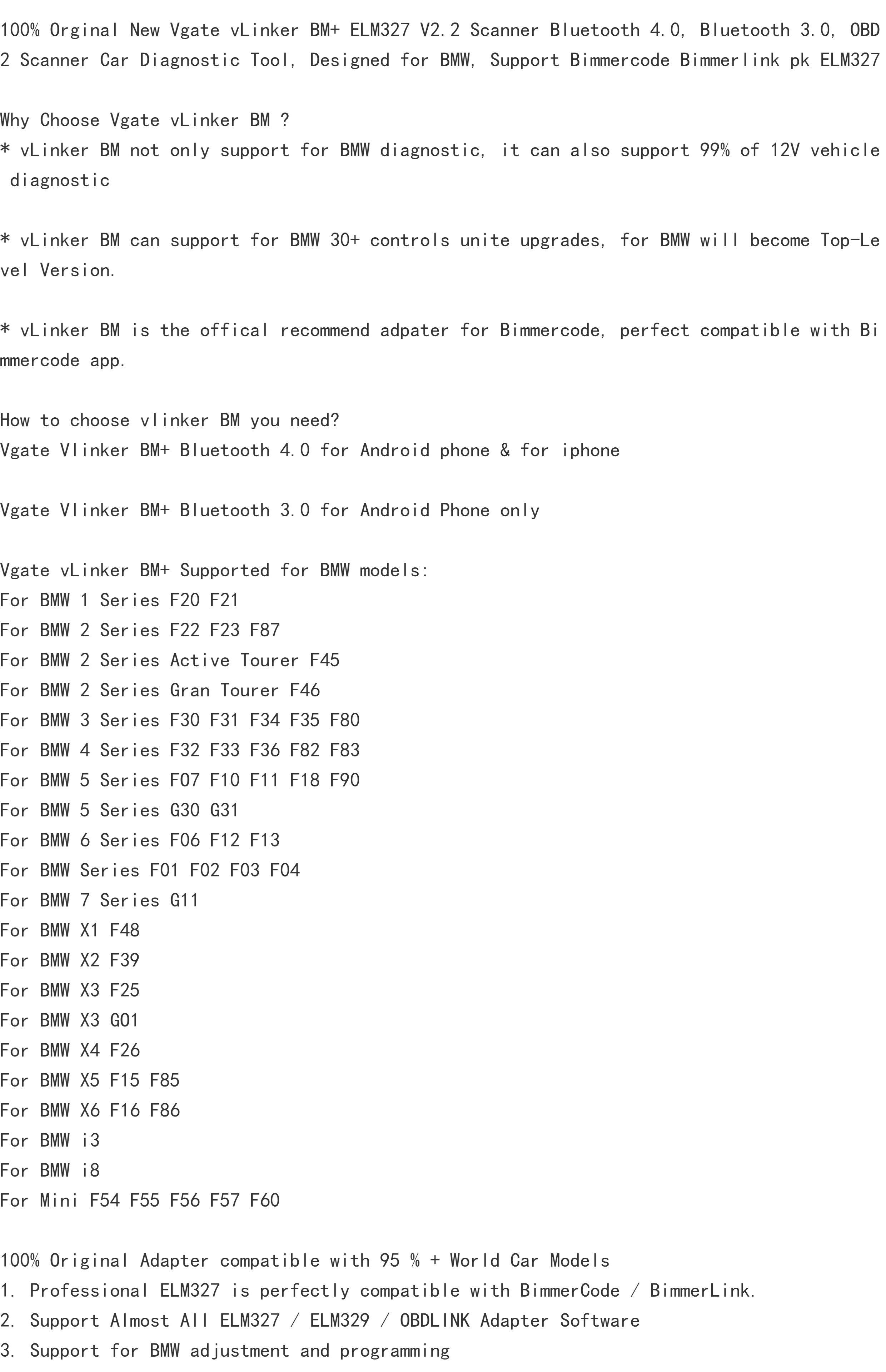
- Extensive BMW Series Coverage: Supports a massive range of series, including BMW E, F, G, I, and R series, covering everything from the 1 Series (F20/F21) to the 2 Series Active Tourer (F45/F46) and beyond.
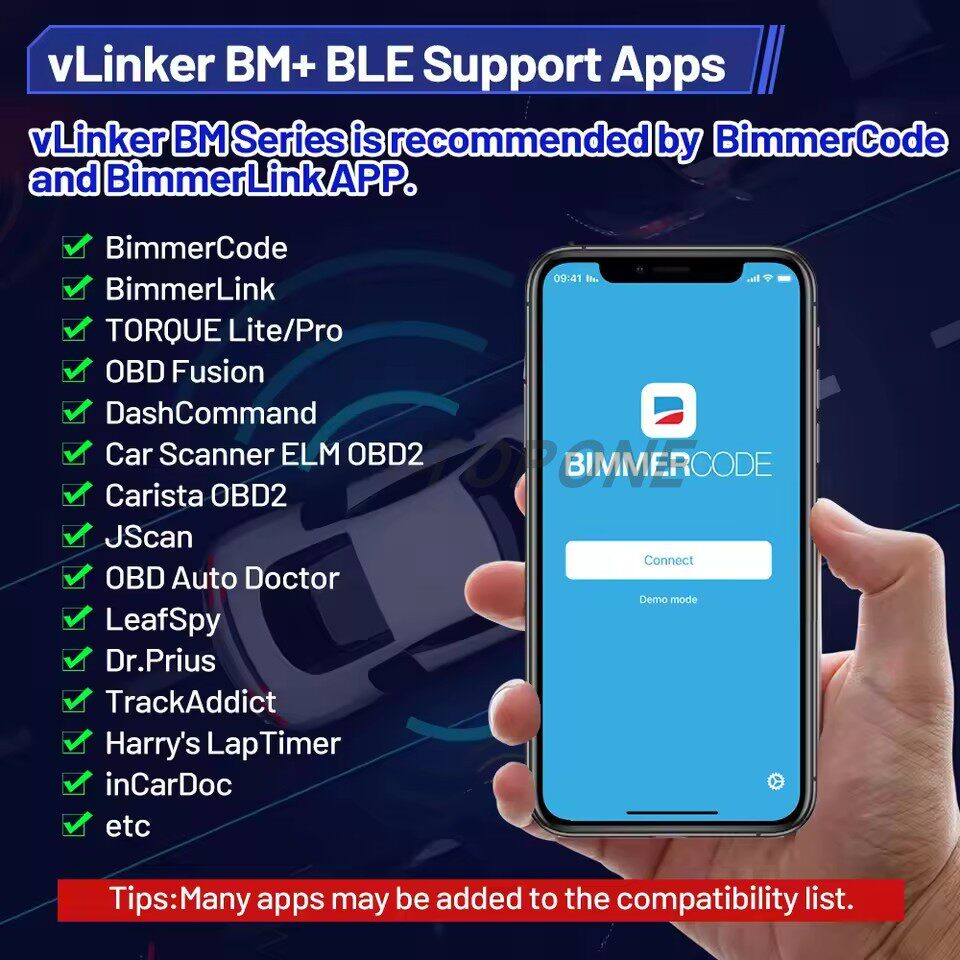
- Versatile App Ecosystem: Beyond BMW-specific tools, it works perfectly with industry-leading apps like Torque Lite/Pro, Car Scanner ELM OBD2, DashCommand, and OBD Auto Doctor.
- Battery-Safe Operation: Designed with an intelligent automatic sleep and wake-up function, allowing you to leave the device plugged into the OBD2 port without worrying about draining your car's battery.
- High-Speed Performance: Built to provide faster data transmission and more reliable communication with your vehicle’s ECU compared to standard generic ELM327 adapters.
Key Specs
- Connectivity: Bluetooth Low Energy (BLE).
- Device Compatibility: Android and iOS smartphones and tablets.
- Vehicle Compatibility: BMW G Series, E Series, F Series, I Series, and R Series.
- Specific Model Support: Includes BMW 1 Series (F20, F21), 2 Series (F22, F23, F87), 2 Series Active Tourer (F45), and 2 Series Gran Tourer (F46).
- App Support: Compatible with BimmerCode, BimmerLink, Torque, OBDFusion, Carista, JScan, LeafSpy, Dr. Prius, and more.
How to Use
- Locate your vehicle's OBD2 port, typically found under the dashboard on the driver's side.
- Plug the Vgate vLinker BM+ firmly into the port.
- Turn the vehicle ignition to the "On" position (engine off) or start the engine.
- Enable Bluetooth on your iOS or Android device.
- Open your chosen diagnostic app (e.g., BimmerCode or Car Scanner).
- Navigate to the app's connection settings, select "Bluetooth LE" or "vLinker BM+" as the adapter type, and initiate the connection.
Care & Safety
Store the device in a cool, dry location when not in use. Avoid exposure to extreme heat, direct sunlight, or moisture to protect the internal circuitry. To prevent data corruption or ECU errors, ensure the device is firmly seated in the OBD2 port and never unplug the scanner while a coding or firmware writing process is in progress.
Notes
"Many apps may be added to the compatibility list."