YT300 Ultra-Portable Mini Projector – Wireless & Wired Screen Mirroring
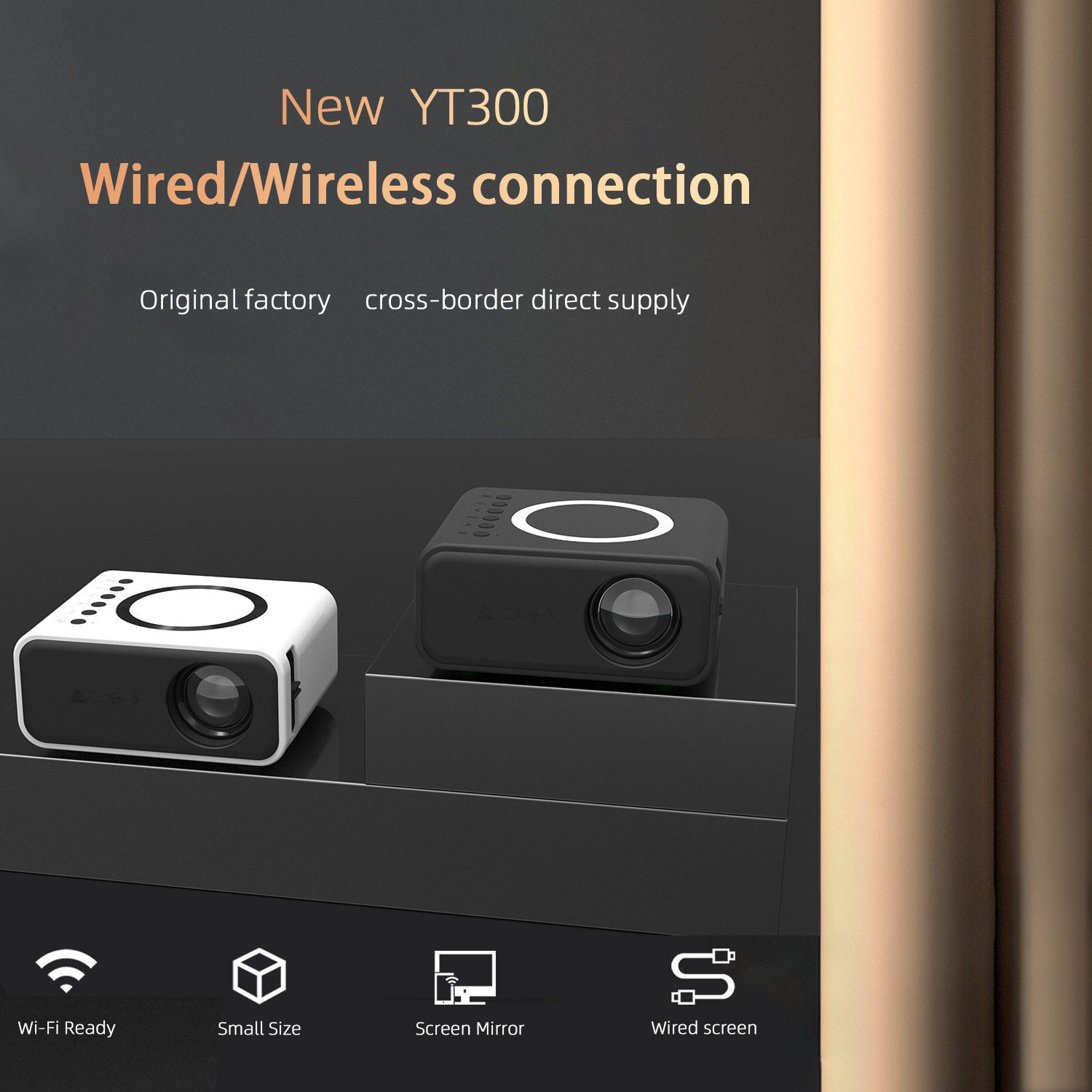
Experience the magic of the big screen anywhere with the YT300 Mini Projector. This ultra-portable powerhouse is designed for modern lifestyles, offering a significant performance upgrade within a remarkably small footprint. Whether you are transforming your bedroom into a private cinema, hosting a backyard movie night, or sharing content in a dorm room, this device delivers versatile connectivity and high-performance imaging. Its compact "small body" houses a powerful processing chip, ensuring smooth playback and reliable performance for all your favorite media.
Key Benefits
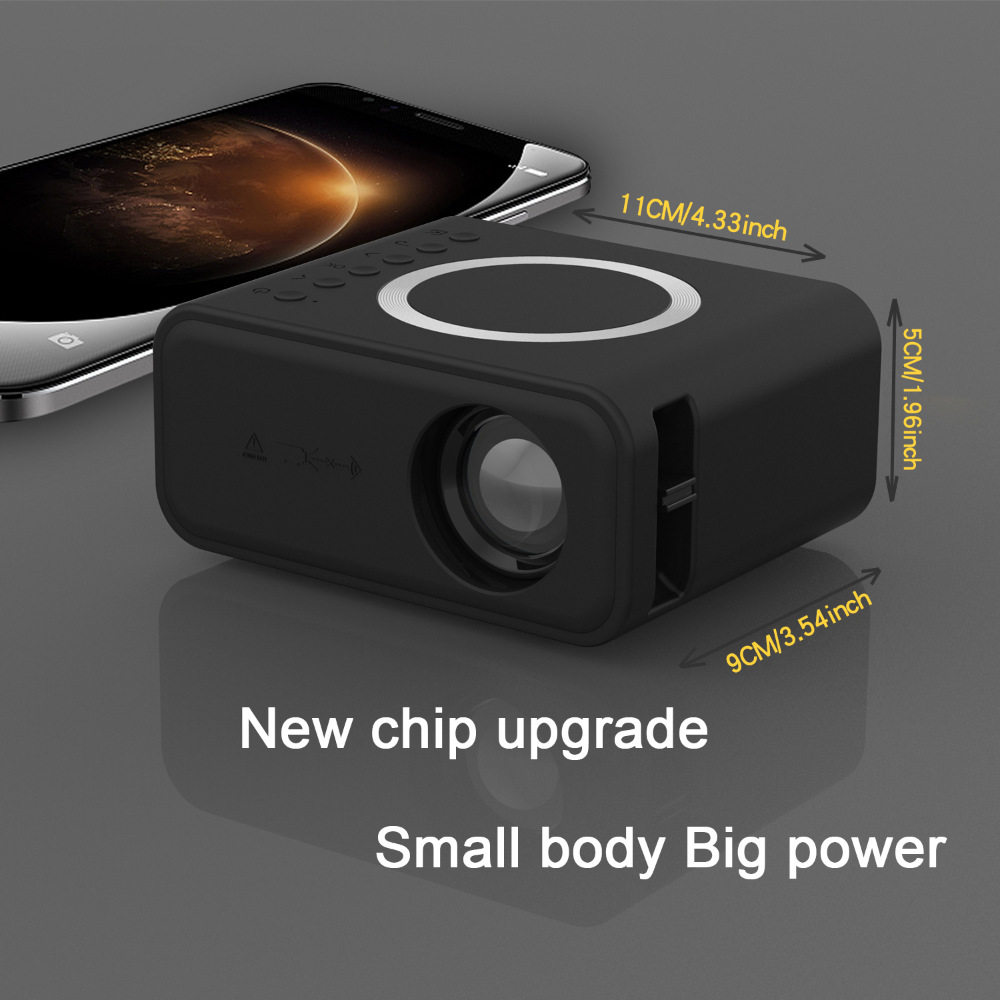
- Ultimate Portability: Measuring approximately 4.33 by 3.54 inches, this projector is small enough to fit in the palm of your hand or a small travel bag, making it the perfect companion for travel and camping.
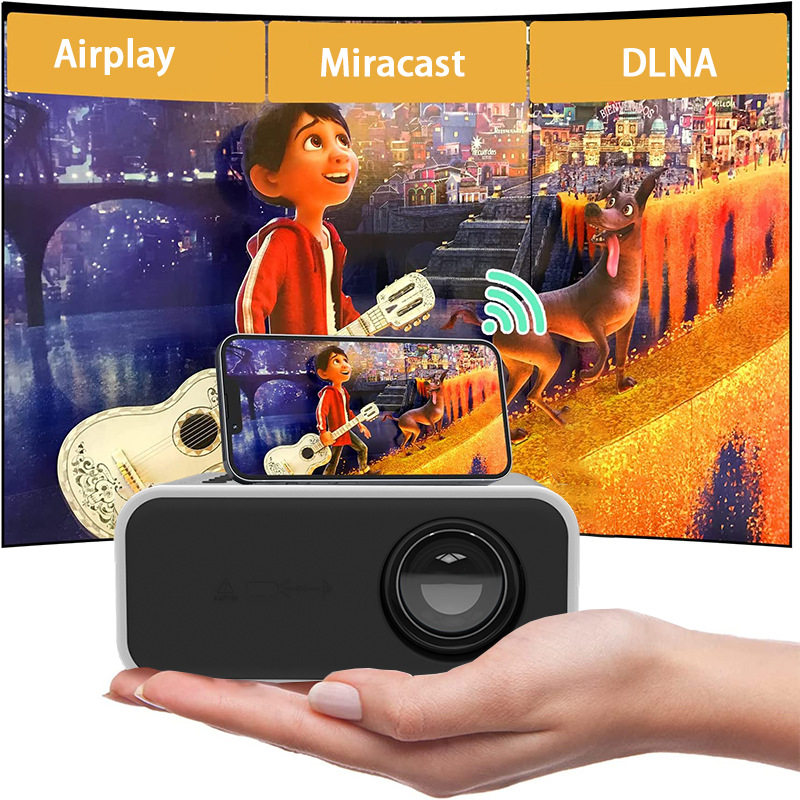
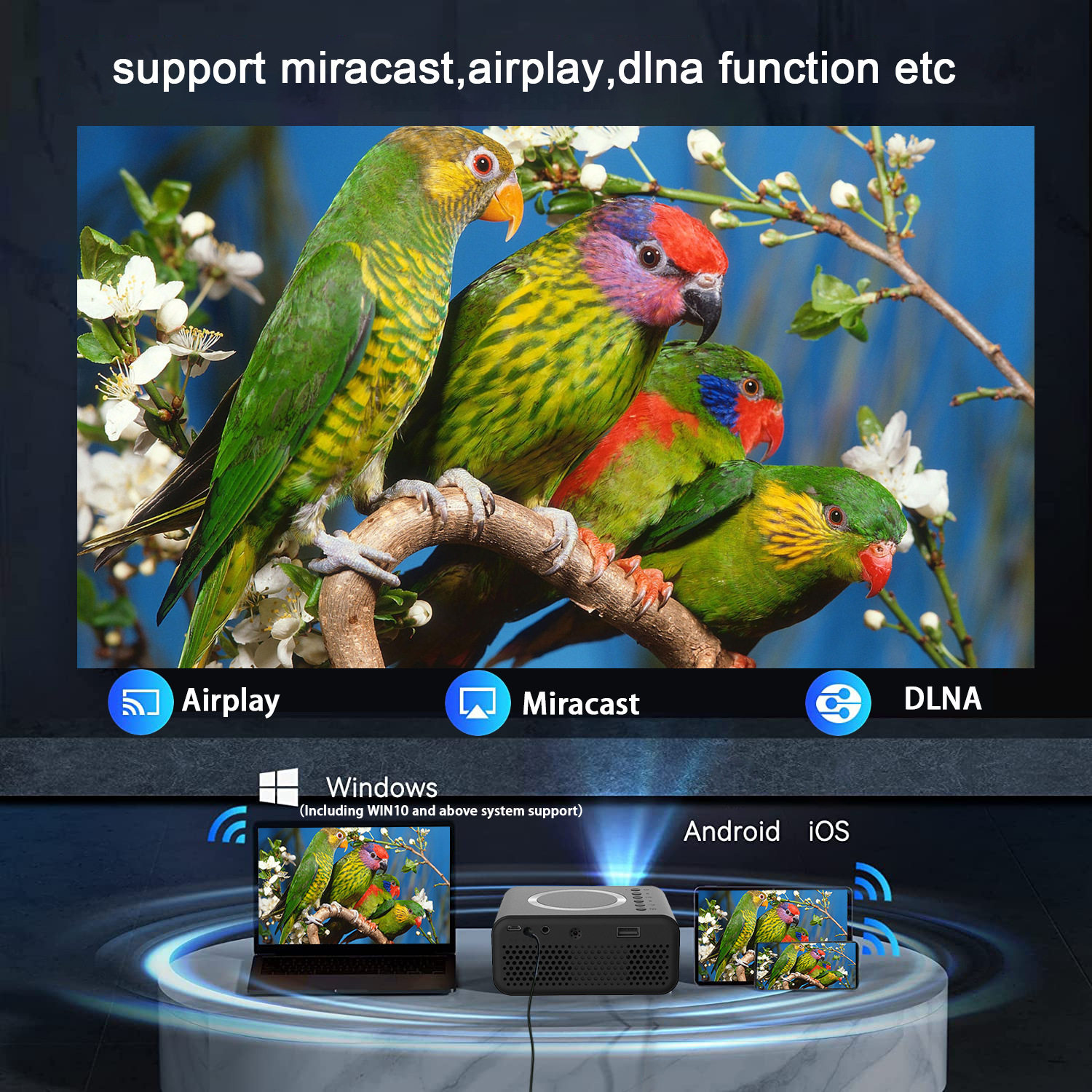
- Seamless Wireless Mirroring: Equipped with Wi-Fi Ready technology, the YT300 supports Airplay, Miracast, and DLNA. Effortlessly cast movies, photos, or games directly from your smartphone or tablet without messy cables.
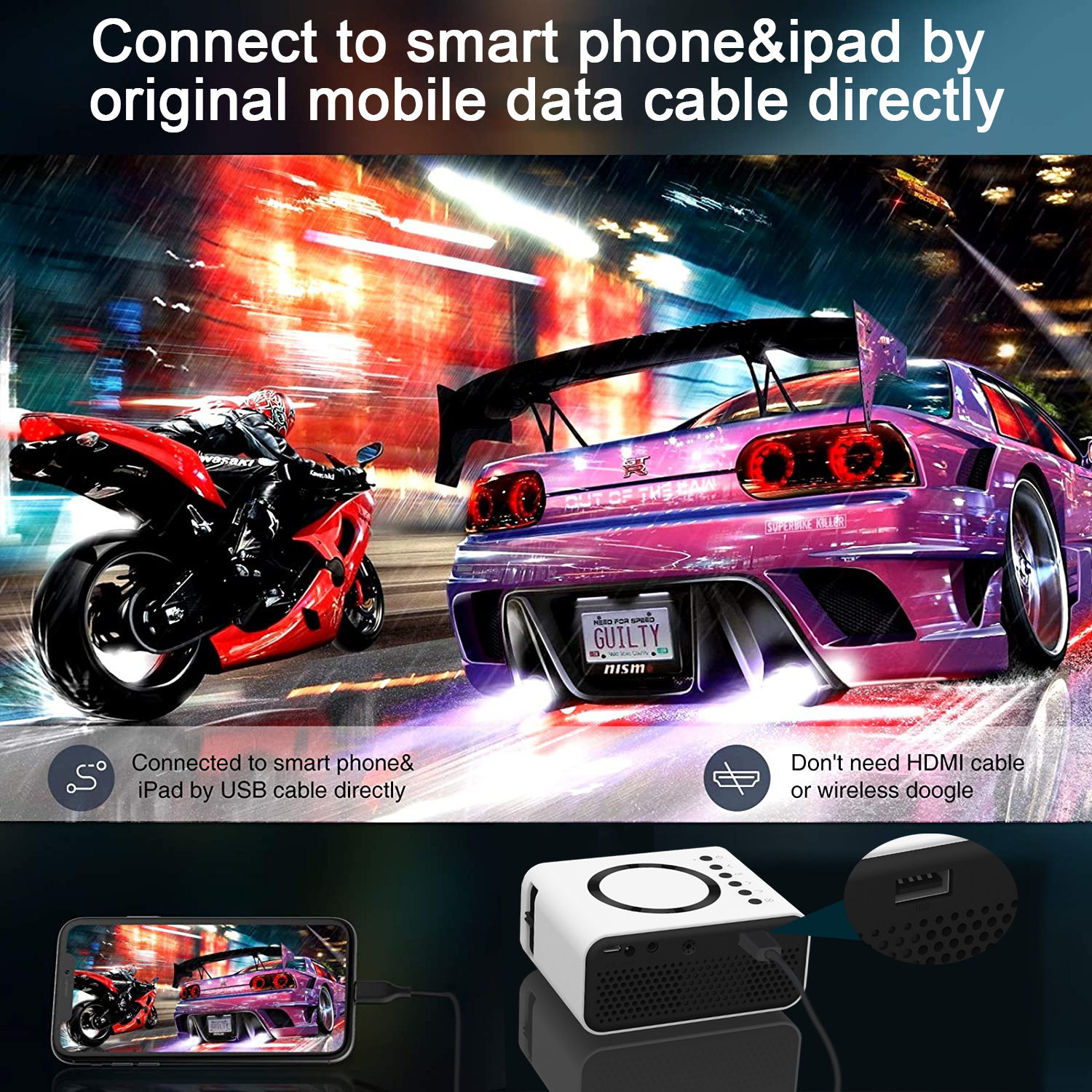
- Stable Wired Connection: For environments without stable Wi-Fi, use the "Wired Screen" function. Simply connect your mobile device via USB to enjoy low-latency, synchronized mirroring.
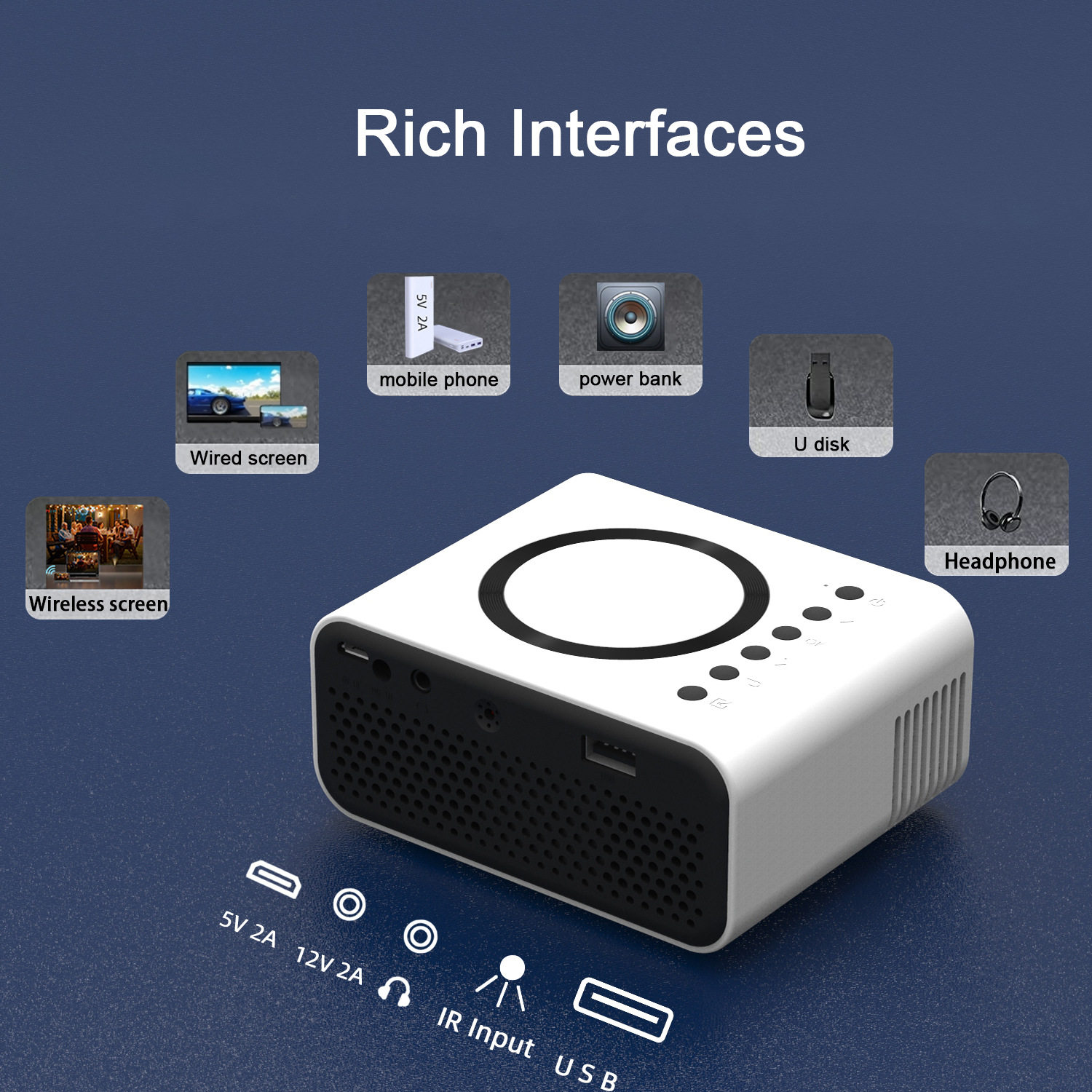
- Flexible Power Options: Unique dual-power support allows you to run the device using the included 12V/2A adapter or a standard 5V/2A power bank, giving you the freedom to watch movies even when far from a wall outlet.
- Rich Multimedia Interface: Despite its size, it features a comprehensive set of ports, including USB for U-disks and a 3.5mm headphone jack for private listening or connecting to external speakers.
Key Specs
- Dimensions: 11cm x 9cm (Approx. 4.33" x 3.54").
- Connectivity: Wi-Fi, USB, 3.5mm Audio Jack.
- Power Input: 12V/2A DC or 5V/2A Micro-USB (Power Bank compatible).
- Protocols: Airplay, Miracast, DLNA.
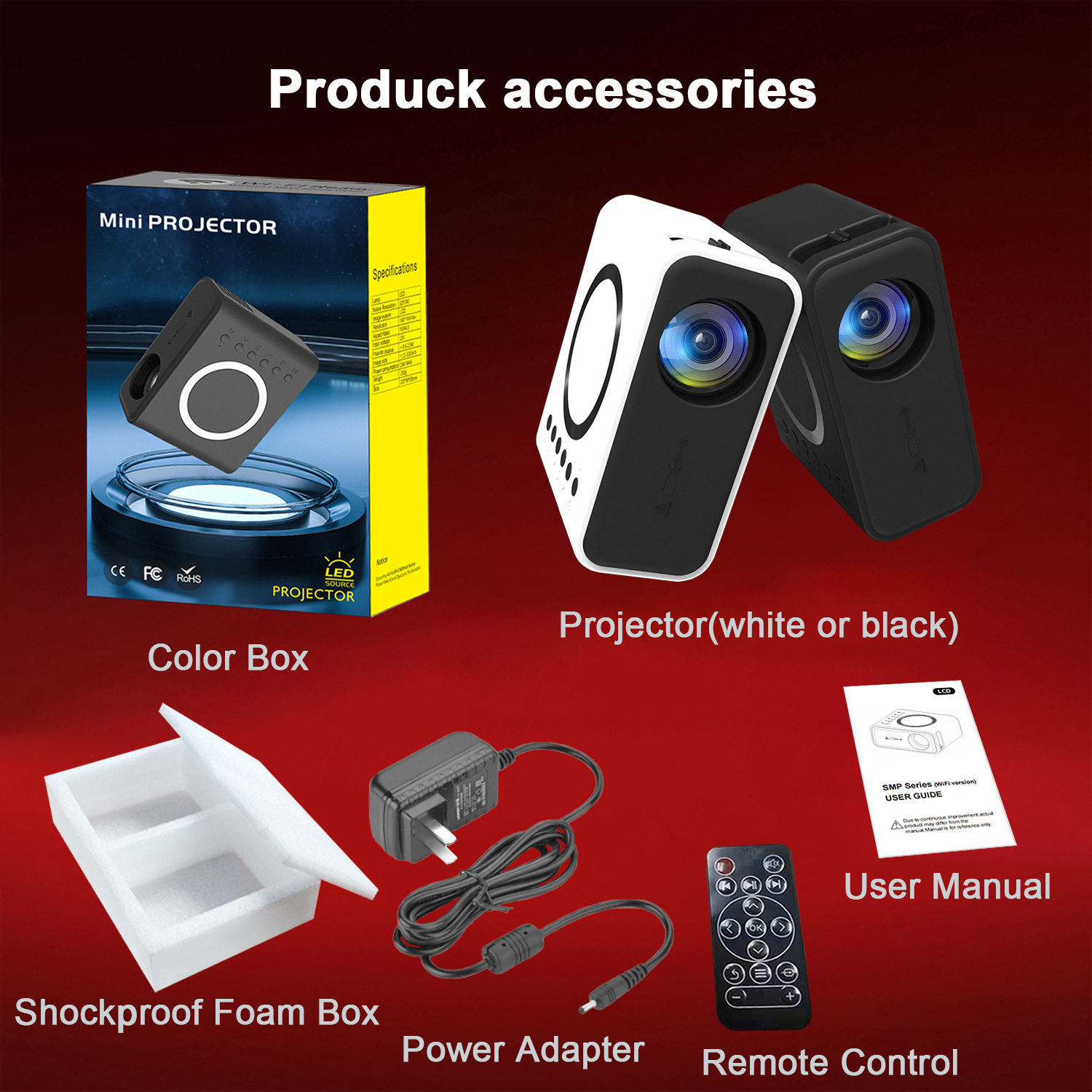
- Included Accessories: Remote control, power adapter, user manual, and shockproof foam packaging.
How to Use
- Power Connection: Plug the included power adapter into the DC input. For outdoor use, connect a compatible 5V/2A power bank to the designated USB power port.
- Setup: Place the projector on a flat surface and point it toward a white wall or projector screen.
- Wireless Sync: Access the Wi-Fi settings on the projector menu. Connect your iOS or Android device to the same network and select "Airplay" or "Miracast" from your phone’s control center.
- Wired Sync: Connect your smartphone to the USB port using a high-quality data cable to initiate the "Same Screen" function automatically.
- Audio: Use the built-in speaker or plug your favorite headphones into the 3.5mm jack for an immersive audio experience.
- Navigation: Use the included remote control to adjust volume, source inputs, and settings.
Care & Safety
- Ventilation: Keep the air vents clear of obstructions during operation to ensure proper cooling and longevity of the internal chip.
- Lens Maintenance: Avoid touching the optical lens. If cleaning is necessary, use only a soft, dry microfiber cloth specifically designed for optics.
- Storage: Always store the device in its original shockproof foam box to protect the delicate internal components from impact.
- Light Safety: Do not look directly into the lens while the projector is powered on to avoid eye strain or injury.
Notes
"Wired/Wireless connection"